
Calculate your exact chronological age down to the day, countdown to upcoming birthday milestones, and explore your Western and Chinese zodiac profiles in real time with our free age calculator. Accurately compute age on any historical or future date with complete browser privacy.
How to Calculate Exact Age with Our Free Age Calculator
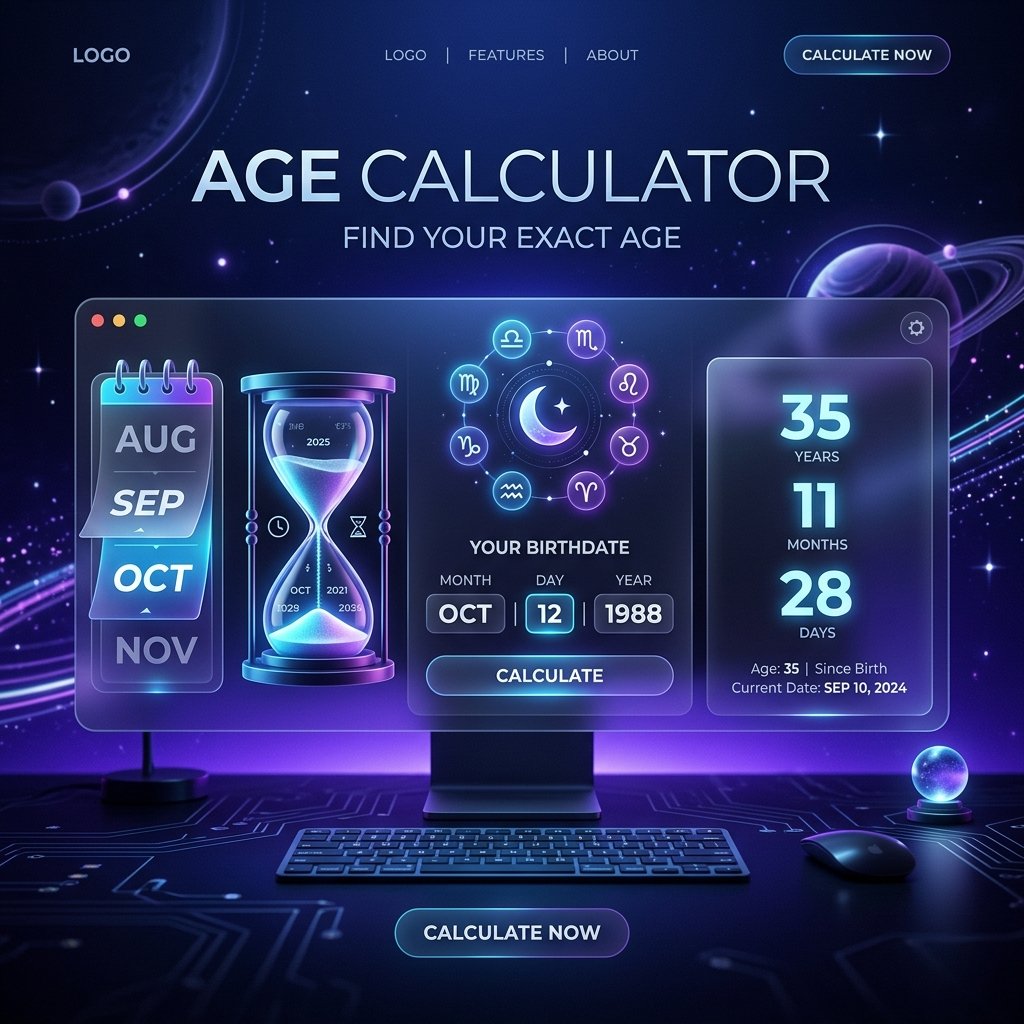
Calculating age by subtracting years alone ignores leap years and variable month lengths, leading to inaccurate day counts. This free age calculator provides exact chronological breakdowns in four straightforward steps:
- Select your date of birth: Use the date selector to input your birth month, day, and year. You can type the values directly into the input fields or use the interactive calendar modal.
- Specify your calculation target date: The calculator defaults to today’s date to give your current age. If you need to know how old you were on a historical date (such as a graduation or wedding) or your future age on an upcoming anniversary, adjust this field accordingly.
- Run the calculation: Click the Calculate button to generate your full age report. The results panel renders your exact age in years, months, and days, alongside your birthday countdown and astrological signs.
- Copy your chronological summary: Click the Copy button to copy a formatted text summary of your primary age, milestone countdown, zodiac signs, and alternative unit conversions directly to your clipboard.
All date mathematics and astrological mappings execute client-side in your web browser, ensuring instantaneous results with complete data privacy.
Core Chronological and Milestone Features in Our Online Date Calculator
Different administrative, healthcare, and personal planning scenarios require precise date calculations. This age calculator provides comprehensive features:
- Precise Civil Calendar Mathematics: Uses an advanced borrowing algorithm that accounts for the exact number of days in each preceding month (28, 29, 30, or 31 days) as well as quadrennial leap years, ensuring exact calendar accuracy.
- Next Birthday Milestone Countdown: Calculates the exact number of months and days remaining until your next birthday. It also identifies the specific day of the week your birthday falls on to help you coordinate celebrations.
- Dual Astrological Sign Mapping: Determines your Western zodiac sun sign based on traditional astrological date ranges and calculates your Chinese lunar zodiac animal based on your birth year.
- Comprehensive Time Unit Conversions: Translates your total lifespan into total months, total weeks, total days, total hours, total minutes, and total seconds with a single click.
- Historical and Future Projection Modes: Calculate your exact age on any past historical milestone or project your future age on upcoming retirement and travel dates.
- 100% Client-Side Privacy: All date arithmetic occurs in your browser memory via JavaScript. Sensitive birthdates, family birthdays, and personal timelines are never sent to external servers or logged in databases.
Why Use an Online Tool to Calculate Exact Chronological Age?
Calculating age manually seems straightforward until you account for variable month lengths and leap years. Simple arithmetic formulas that divide total days by 365.25 introduce rounding discrepancies. Here is why an online age calculator provides a superior calculation method:
- Eliminates Month-Length and Leap Year Discrepancies: The Gregorian calendar contains uneven month lengths and adds an extra day every four years. According to the NASA educational guide to leap years and calendar math, leap days are essential to synchronize human civil calendars with Earth’s astronomical orbit. Our calculator dynamically audits each leap year across your lifespan, guaranteeing that your exact age in days is mathematically precise.
- Zero Account Creation or Tool Installation: Access the tool instantly from any desktop or mobile browser without downloading software or creating user profiles. When your project calculations also require calculating proportions or percentage changes over time, you can pair this tool with our free percentage calculator tool.
- Instant Milestone Planning: Instantly check how many days remain until turning 18, 21, 30, 50, or 65 to coordinate retirement filings, insurance updates, or travel itineraries.
- Clean Text Export: Click the Copy button to export an organized, human-readable breakdown ready to paste into legal applications, medical forms, or email messages.
Practical Personal, Legal, and Healthcare Applications
Parents, medical practitioners, human resources managers, and genealogists use age calculators across a wide range of daily tasks:
- Legal Eligibility and Employment Verification: Human resources professionals and legal teams verify exact ages for employment contracts, pension enrollments, and insurance benefit qualifications.
- Pediatric Development and Infant Milestones: Pediatricians and parents track infant and toddler growth milestones, which are measured in exact weeks and months rather than generic year counts. When you need to keep notes on developmental milestones or family dates, you can record them inside our free online notepad.
- Retirement and Social Security Planning: Financial planners calculate exact full retirement ages down to the specific month and day to maximize pension and investment disbursements.
- Genealogy and Historical Research: Historians and genealogists calculate the exact lifespans of historical figures and ancestors from census records and cemetery headstone dates.
- Milestone Birthday and Anniversary Coordination: Event planners verify exact days of the week for upcoming golden anniversaries and milestone birthday parties.
Age Calculation and Multi-Unit Time Conversion Reference Table
Here is a reference table comparing key milestone ages, approximate total days lived, total weeks, estimated total hours, and common civil or personal milestones:
| Milestone Age | Approx Days | Approx Weeks | Total Hours | Civil / Cultural Milestone |
|---|---|---|---|---|
| 1 Year | 365 days | 52 weeks, 1 day | 8,760 hours | First birthday milestone and toddler development transition. |
| 16 Years | 5,844 days | 834 weeks, 6 days | 140,256 hours | Driver permit eligibility in many jurisdictions. |
| 18 Years | 6,574 days | 939 weeks, 1 day | 157,776 hours | Legal adulthood, voting eligibility, and contract rights. |
| 21 Years | 7,670 days | 1,095 weeks, 5 days | 184,080 hours | Full adult privileges and international milestone celebrations. |
| 30 Years | 10,958 days | 1,565 weeks, 3 days | 262,992 hours | Major personal milestone and career development era. |
| 65 Years | 23,741 days | 3,391 weeks, 4 days | 569,784 hours | Traditional retirement age and senior benefit eligibility. |
Free Age Calculator & Chronological Calendar FAQs
Is this age calculator completely free to use?
Yes, this tool is 100% free with no subscription tiers, daily calculation limits, or account registration requirements. You can calculate ages and birthday milestones for as many dates as you need.
How does the calculator account for leap years and different month lengths?
The calculator uses an exact borrowing algorithm that inspects the actual number of days in each calendar month and adds 29 days for February during leap years. This ensures your output reflects true civil calendar age rather than a 30-day approximation.
Can I calculate my age on a past historical date or future date?
Yes, you can adjust the “Age at the Date of” field to any historical date in the past or future date ahead. This allows you to find your exact age at past events like graduations or project your future age at retirement.
How are Western and Chinese zodiac signs determined?
Your Western astrological star sign is calculated from standard solar date ranges corresponding to your birth month and day. Your Chinese zodiac animal is mapped from the traditional twelve-year lunar cycle matching your birth year.
Why does the breakdown in weeks include extra days?
Because calendar years do not divide evenly into 7-day weeks (a standard year has 52 weeks plus 1 day), we display the total complete weeks alongside the remaining days to provide exact mathematical fidelity.
Are my birthdate and personal details stored on your servers?
No, all date calculations execute strictly within your local web browser using JavaScript. No birthdates, calculation dates, or family records are ever transmitted over the network or saved in external databases.
Can I use this age calculator on mobile phones and tablets?
Yes, the tool is fully responsive and functions smoothly across all mobile smartphones, tablets, and desktop computers. You can use native date pickers on mobile touchscreens to set birthdates easily.
What happens if I enter a birthdate that is in the future?
If you enter a birthdate that occurs after the target calculation date, the calculator will display a friendly validation message prompting you to verify your dates, as negative chronological ages are invalid.