
Generate strong, cryptographically secure passwords in real time with our free password generator tool. Customize character lengths up to 128 characters, toggle numbers and symbols, inspect mathematical entropy, and protect your digital accounts with complete browser privacy.
How to Create Secure Passwords with Our Free Password Generator
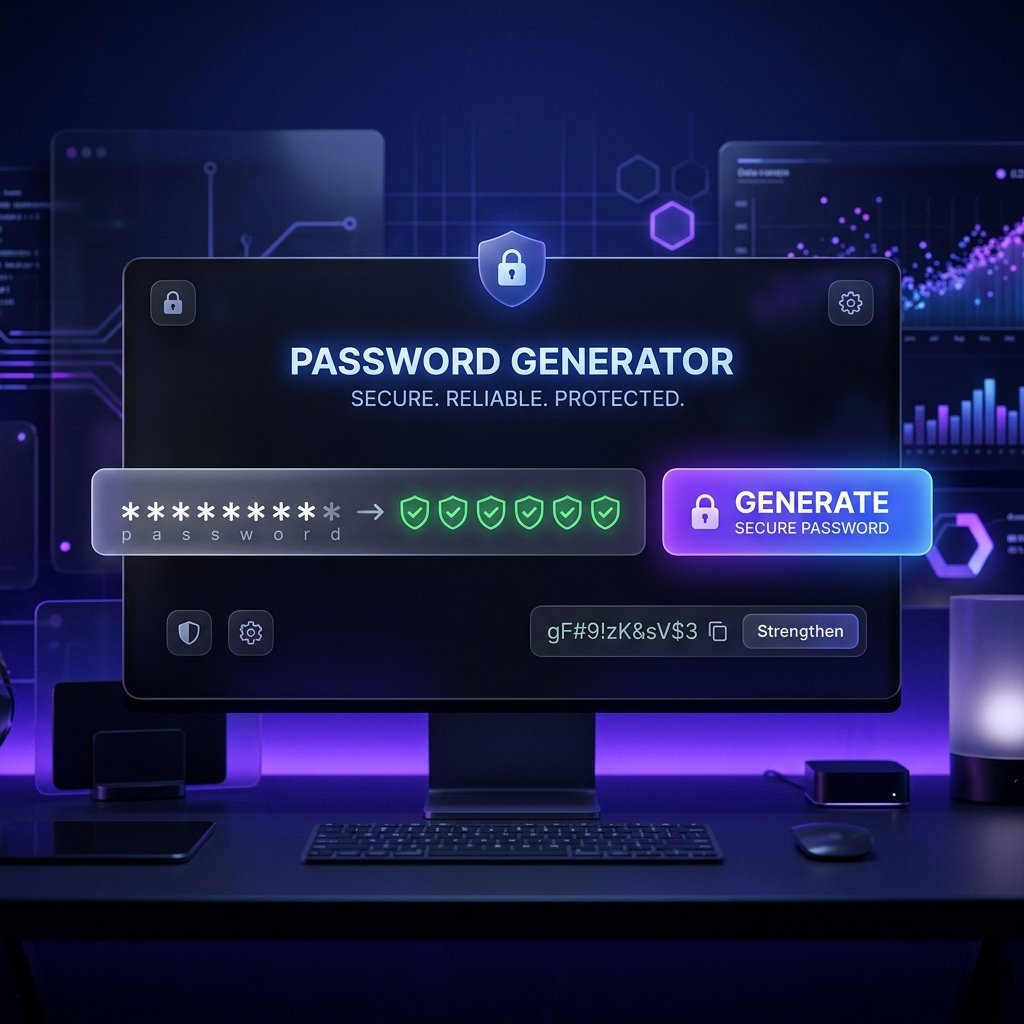
Creating randomized, uncrackable credentials in standard text editors is difficult because human brains naturally rely on predictable patterns. This free password generator creates robust credentials in four simple steps:
- Adjust the length slider to your desired size: Slide the length control between 4 and 128 characters. For essential services like primary email inboxes, banking portals, and password manager master keys, we recommend setting a minimum length of 16 to 20 characters.
- Toggle your required character sets: Enable or disable uppercase letters (A-Z), lowercase letters (a-z), numbers (0-9), and special symbols (!@#$%^&*) to match the specific security rules of the platform you are securing.
- Evaluate entropy and brute-force crack times: Look at the visual strength indicator below the generated password. The metrics panel displays the total character pool size, entropy rating in bits, and an estimated brute-force crack time based on high-speed GPU clusters.
- Copy your new password to clipboard: Click the Copy button in the output card to transfer the generated string directly to your clipboard. Paste it into your target website or save it inside an encrypted password vault.
All randomization calculations run client-side in your web browser, ensuring instantaneous generation with complete data privacy.
Core Cryptographic and Randomization Features in Our Online Generator
Unlike basic randomizers that rely on predictable algorithms, this password generator is built with enterprise-grade cryptographic standards:
- Cryptographically Secure Random Number Generator (CSPRNG): Uses the browser-native
crypto.getRandomValues()API rather than standard pseudo-random functions likeMath.random(). This guarantees true mathematical randomness and unpredictable entropy. - Granular Character Pool Customization: Individually enable or disable four distinct character sets: uppercase Latin, lowercase Latin, numeric digits, and punctuation symbols. This makes it effortless to adhere to restrictive corporate password policies.
- High-Capacity Length Selection: Generate credentials ranging from short 8-character PIN combinations up to massive 128-character cryptographic keys for servers, SSH sessions, and API tokens.
- Live Mathematical Entropy Scoring: Real-time entropy calculations measure the randomness of your password in bits. Higher entropy values represent an exponentially larger number of possible combinations that attackers must test.
- Realistic Brute-Force Crack Estimates: The built-in benchmark calculator provides an estimate of how long a dedicated cracking rig testing 10 billion guesses per second would require to crack your credential.
- Zero-Knowledge Browser Privacy: Passwords are generated exclusively within your local device memory using JavaScript. No generated strings or user settings are ever transmitted over the network or saved in external databases.
Why Use an Online Tool to Generate Strong Passwords?
Creating passwords manually almost always results in predictable word substitutions, familiar dates, and repeated keystroke patterns that automated cracking tools exploit in seconds. Here is why an online cryptographic generator provides superior security:
- Eliminates Cognitive Bias and Predictable Habits: Humans tend to choose memorable phrases, pet names, or simple symbol swaps (such as substituting “@” for “a”). Automated generators assemble completely random character permutations that resist dictionary and hybrid attacks.
- Adheres to Modern Identity and Security Standards: Security frameworks emphasize overall character length and high entropy over frequent forced expirations. According to the NIST Digital Identity Guidelines, password length is the single most critical factor in mitigating modern credential attacks. Using long, unique strings across every account prevents single-breach credential stuffing.
- Zero Account Creation or Tool Installation: Access the tool instantly from any desktop or mobile browser without downloading desktop software or creating user profiles. When your account setup also requires verifying exact character counts or byte limits for form fields, you can audit your credentials using our free character counter.
- Instant Batch Refresh: Click the Generate button to instantly cycle through dozens of high-entropy variations until you find a string that fits your platform requirements.
Practical Cybersecurity and Account Protection Applications
Security engineers, IT professionals, developers, and privacy-conscious users utilize password generators across a wide range of daily tasks:
- Securing Primary Email and Financial Portals: Protect sensitive banking accounts, brokerage services, and master email addresses against automated credential stuffing attacks.
- Server Root and Database Credential Generation: System administrators and DevOps engineers create complex passwords for root server logins, MySQL database users, and VPN connections. When you also need to format strings into specific casing or naming conventions for environment variables, you can pair this tool with our free case converter tool.
- API Secret Keys and Environment Variables: Software developers generate random alphanumeric tokens for application secret keys, webhook secrets, and development staging environments.
- Team Password Vault Setup: Small business owners establish unique, high-entropy credentials for shared workplace software tools and team communication channels.
- Home Wi-Fi Network Passphrases: Homeowners create robust WPA3 wireless network keys to prevent unauthorized neighborhood network access.
Password Length, Entropy, and Brute-Force Resistance Reference Table
Here is a reference table comparing different password lengths, character pool combinations, mathematical entropy, and estimated crack times at 10 billion guesses per second:
| Character Pool | Entropy (Bits) | Crack Time (10B/sec) | Security Application |
|---|---|---|---|
| 8 Chars (Lowercase Only) | ~37 bits | 0.02 seconds | Insecure. Never use for digital accounts. |
| 10 Chars (Letters & Numbers) | ~59 bits | 1.5 hours | Low security. Temporary test setups only. |
| 12 Chars (All 4 Character Sets) | ~78 bits | 120 years | Moderate security. Acceptable for low-risk forums. |
| 16 Chars (All 4 Character Sets) | ~104 bits | 6.4 trillion years | Strong security. Standard for email and banking. |
| 24 Chars (All 4 Character Sets) | ~157 bits | Centillion years | Maximum security. Master vaults and root servers. |
| 32 Chars (All 4 Character Sets) | ~210 bits | Practically Infinite | Cryptographic keys and API secret tokens. |
Free Password Generator & Cybersecurity Best Practices FAQs
Is this password generator completely free to use?
Yes, this tool is 100% free with no subscription tiers, daily generation limits, or account registration requirements. You can create unlimited passwords of any length whenever you need them.
Are passwords generated by this tool truly random?
Yes, this tool uses the browser-native crypto.getRandomValues API, which is a cryptographically secure pseudorandom number generator (CSPRNG). This produces true mathematical entropy that is completely resistant to statistical pattern analysis.
What is the minimum recommended password length?
We recommend a minimum length of 16 characters for all critical online accounts, including primary email addresses and banking logins. Longer passwords provide exponential resistance against modern multi-GPU brute-force cracking hardware.
Are my generated passwords stored or sent to your servers?
No, your passwords exist exclusively in your local device memory and are never transmitted over the internet or saved to any database. Once you close or refresh the browser tab, the generated string is erased from device RAM.
What is password entropy and why does it matter?
Password entropy is a mathematical measurement of a credential’s unpredictability expressed in bits. Every additional bit of entropy doubles the number of possible guesses an attacker must attempt, making passwords with over 80 bits practically uncrackable.
Can I use this tool to create passwords for mobile apps?
Yes, the tool is fully responsive and functions smoothly across all mobile smartphones, tablets, and desktop browsers. You can generate secure credentials and copy them to your mobile clipboard with a single tap.
Should I change my passwords on a regular monthly schedule?
Modern cybersecurity standards advise against arbitrary scheduled password rotations unless a specific breach has occurred. Generating a uniquely long, high-entropy password backed by two-factor authentication provides superior protection compared to frequent minor password modifications.
How should I securely store my generated passwords?
You should store your generated credentials in a dedicated, encrypted password manager such as Bitwarden or 1Password. Password managers autofill your credentials securely across devices while protecting against phishing websites.