
Calculate exact character and letter counts in real time with our free character counter. Track live length limits for X (Twitter), Google meta descriptions, SMS text messages, YouTube titles, and Instagram captions with zero setup.
Platform Character Limits
How to Check Character Counts with Our Free Character Counter
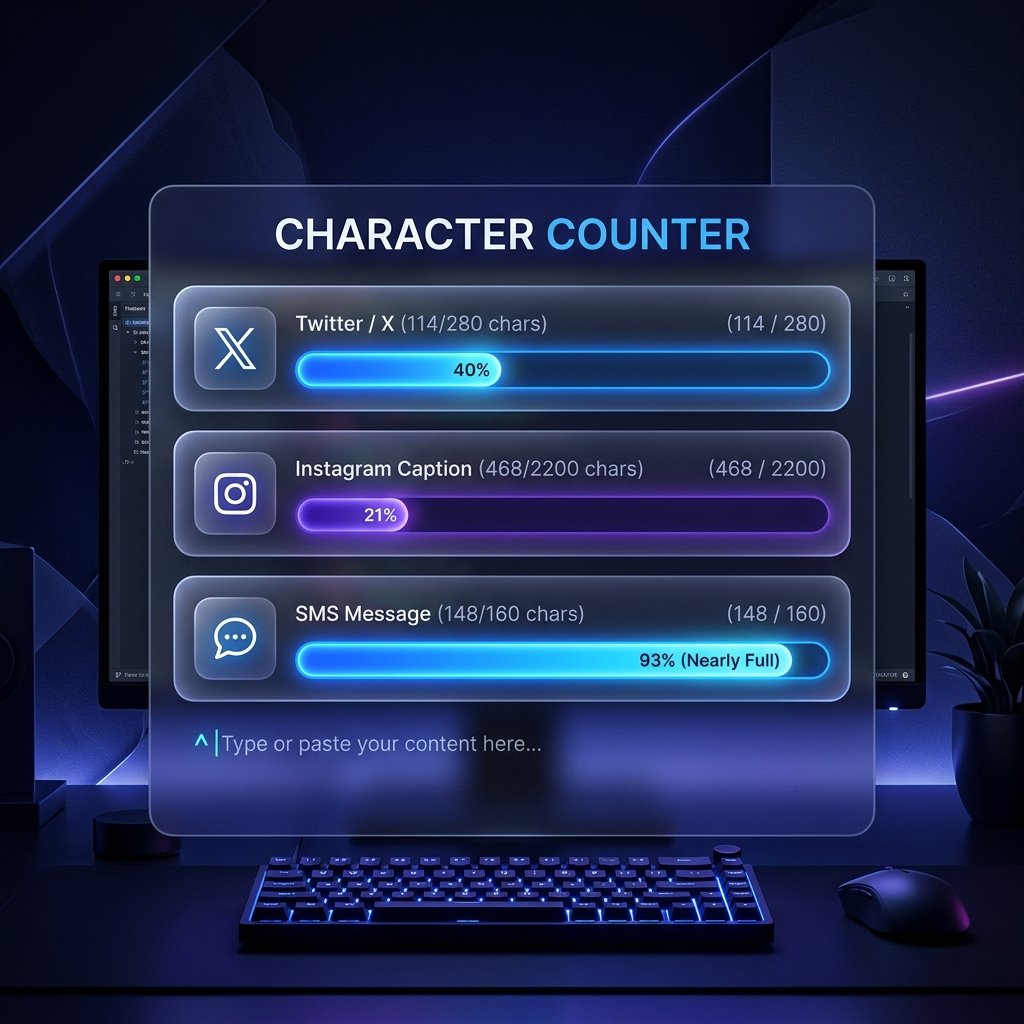
Using this character counter is quick and simple. You can begin typing directly into the workspace or paste content from any external application:
- Paste or type your draft into the input field: Drop your text into the main box above. The workspace accepts copy from word processors, emails, spreadsheets, code editors, and mobile note apps without altering your text.
- Review live character and whitespace statistics: The stat boxes at the top update instantly with every keystroke. You can see your total character count, characters without spaces, word count, and sentence count in real time.
- Monitor platform limit progress bars: Check the platform trackers beneath the input panel to see how your draft fits within limits for X (Twitter), Google search snippets, SMS messages, YouTube titles, Instagram captions, and LinkedIn posts.
- Copy your finalized text: Click the Copy button in the upper corner of the panel to copy your clean text to the clipboard, or select Clear to wipe the workspace and start fresh.
Everything runs directly inside your browser window with no submit buttons or page refreshes required.
Key Features of Our Live Character Counter Tool
Writing for digital platforms requires following strict length parameters. Here is a breakdown of what this live counter provides:
- Total Character Count: Measures every keystroke in your text, including letters, numbers, punctuation marks, symbols, and whitespace. This is the primary metric used by social networks, ad platforms, and search engines.
- Characters Without Spaces: Calculates the raw length of your text after removing all spaces, tabs, and line breaks. This figure is helpful for translation agencies, academic assignments, and publishers that calculate rates based on non-whitespace volume.
- Dynamic Visual Progress Bars: Each platform tracker features a color-coded status bar that fills as you type. The bar stays blue during normal drafting, switches to amber at 80% capacity to warn you that you are approaching the limit, and turns red if your text exceeds the allowed length.
- Live Word and Sentence Tracking: In addition to character totals, the tool tracks word count and sentence count simultaneously. This allows you to evaluate your writing flow without switching between multiple tabs.
- Complete Client-Side Privacy: Your text never leaves your device. All calculations run locally in your browser using JavaScript, ensuring that confidential emails, drafts, and notes remain secure.
- One-Click Clipboard Actions: The interface includes quick action buttons that let you grab your copy with instant visual confirmation or clear the text box when starting a new draft.
Why Use an Online Character Counter with Platform Limits?
While word processors offer basic document statistics, a dedicated online character counter with visual progress indicators gives you several key advantages:
- Prevent Unwanted Truncation: Search engines and social feeds cut off long text with ellipsis dots. Watching visual limit bars ensures your primary calls to action remain visible to readers in the feed.
- Eliminate Costly SMS Billing Splits: Mobile carriers divide text messages into 160-character segments. If your promotional SMS runs even a single character over, your delivery costs double. Real-time counting ensures your SMS campaigns fit within a single segment.
- Streamline Multi-Platform Publishing: When adapting one core message for X, LinkedIn, Instagram, and search metadata, having all six major platform limits displayed in one view saves time.
- Zero Installation or Registration: You can access the tool from any device without installing browser extensions or creating accounts. When you need to analyze longer documents like essays or articles where overall structure matters more than individual character bounds, you can switch over to our free word counter tool to evaluate paragraphs and speaking pace.
Who Uses an Online Character Counter?
Professionals, students, and creators across numerous disciplines rely on accurate character counts every day:
- Social Media Strategists: Crafting concise tweets, compelling Instagram hooks, and professional LinkedIn posts that capture attention before the feed fold.
- SEO Specialists and Content Writers: Writing title tags and meta descriptions that follow Google Search Central snippet guidelines to ensure search listings display cleanly on desktop and mobile screens.
- PPC and Digital Advertisers: Composing Google Search ads, Facebook ad headlines, and display banners that must conform to strict character limits set by advertising networks.
- Software Developers and Quality Assurance Engineers: Testing database field restrictions, input validation boundaries, and API string parameters during application development.
- Authors and Editors: Polishing book blurbs, author biographies, and query pitch letters where publishers impose strict character maximums. When you need to standardize capitalization across your titles and subheadings, you can also process your text with our online case converter.
- Job Applicants: Tailoring resume bullet points and LinkedIn headline summaries to ensure key skills appear prominently in recruiter searches.
Social Media & Search Engine Character Limit Reference Guide
To help you plan your content, here is a reference table summarizing common character limits across popular search, social, and messaging channels:
| Platform & Placement | Character Limit | Display Recommendation & Best Practice |
|---|---|---|
| X (Twitter) Post | 280 characters | Standard post limit. Keep key links within the first 240 characters. |
| Google Meta Description | 155 to 160 characters | Google truncates snippets beyond roughly 960 pixels on desktop and 680 pixels on mobile. |
| Google Page Title Tag | 50 to 60 characters | Keep primary keywords early in the title so they remain visible within the 600-pixel width. |
| SMS Text Message (GSM-7) | 160 characters | Single message segment. Emojis reduce the segment cap to 70 characters. |
| YouTube Video Title | 100 characters | Only the first 60 to 70 characters appear in YouTube search results. |
| Instagram Post Caption | 2,200 characters | Captions truncate after approximately 125 characters in the feed before the more button. |
| LinkedIn Feed Post | 3,000 characters | The feed shows only the first 140 to 210 characters before prompting users to see more. |
| Pinterest Pin Description | 500 characters | Only the first 50 to 60 characters appear below the pin thumbnail in search feeds. |
| TikTok Video Description | 2,200 characters | Keep your primary description under 150 characters for clean on-screen legibility. |
| Facebook Feed Post | 63,206 characters | Allows long text, but posts under 80 characters generate higher engagement. |
Free Character Counter & Text Length FAQs
Does this free character counter count spaces as characters?
Yes, the primary counter includes all spaces, punctuation marks, and line breaks in the total. If your project requires character totals without whitespace, you can check the No Spaces stat box located directly next to the main counter.
Is this character counting tool completely free to use?
Yes, the tool is 100% free with no usage caps, premium tiers, or registration requirements. You can paste and inspect as many text passages as you need at any time.
How does the tool calculate characters without spaces?
The counter strips all whitespace characters including spaces, tabs, and line breaks before calculating the total length. This measurement is helpful for academic submissions, translation jobs, and international publishing guidelines.
What causes SMS messages to split into multiple segments?
Standard SMS messages split into multiple billing segments when text exceeds 160 characters in standard GSM-7 encoding. If you include emojis or special Unicode characters, the segment limit drops to 70 characters, which can cause unexpected carrier fees.
What happens when my text exceeds a platform limit bar?
The progress bar turns red and highlights the count to signal that your draft exceeds the allowed maximum. Your text is not cut off or erased, allowing you to edit and trim your copy down to the required length.
Is my text kept private and secure when using this tool?
Yes, your text remains completely private because all calculations run directly inside your web browser. Nothing is ever sent across the network, saved in a database, or shared with third-party tracking services.
How are sentences counted by the tool?
Sentences are counted by detecting terminal punctuation marks including periods, exclamation points, and question marks followed by spaces or line breaks. This provides an immediate metric for sentence density and readability.
Can I use this character counter on mobile devices?
Yes, the character counter is fully responsive and works smoothly on smartphones, tablets, and desktop browsers. All platform limit bars and statistical readouts adapt automatically to fit your screen size.